
EUGENE'S LOCAL HEARING SPECIALISTS
Cleaning & Servicing
Play it Again Hearing
Regular cleaning and servicing are essential to keep hearing aids functioning reliably. Earwax, moisture, and daily wear diminish performance over time, causing reduced sound quality, feedback, and even device failure. Professional cleaning and servicing extend the life of hearing aids, ensure consistent performance, and prevent avoidable repairs. Play it Again Hearing provides thorough cleaning, inspections, and technical servicing to protect your investment and hearing outcomes
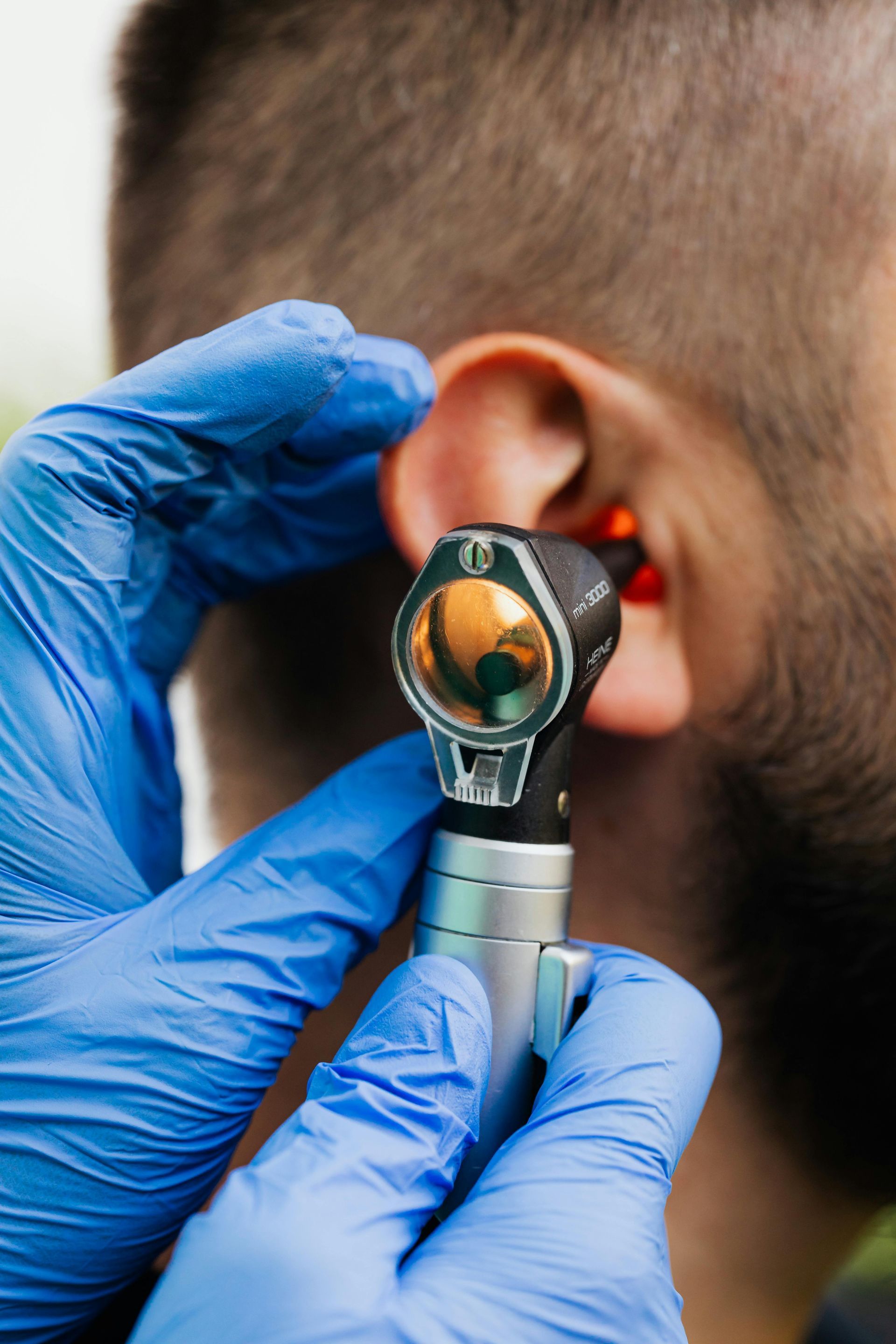
Cleaning and servicing include
Visual inspection:
We examine the device for signs of damage, wear, or moisture ingress.
Cleaning of microphone ports and receiver openings:
We remove wax and debris that block sound.
Replacement of consumables:
Wax guards, filters, tubing, domes, and batteries are replaced as needed.
Electronic checks:
Device functionality, program integrity, and battery contacts are verified.
Firmware updates:
When applicable, we update device software to improve performance and fix issues.
Minor repairs:
We perform on-site fixes such as tubing changes or dome replacements when feasible.
Environmental counseling:
We advise on drying systems, storage, and prevention of moisture-related issues.
Recommended cleaning schedule
Daily
Wipe devices with a soft, dry cloth and use a brush or pick to remove visible wax. Keep devices in a dry, safe place.
Weekly
Use provided cleaning tools to check and clean openings and filters and inspect domes or tips.
Monthly
Replace filters or wax guards based on manufacturer guidance and visibility of buildup.
Professional cleaning
At least every 6–12 months, or sooner if you notice reduced performance, frequent feedback, or physical damage.
Benefits of professional servicing
Improved sound quality
Clearing obstructions restores clarity and reduces distortion.
Fewer interruptions
Preventive servicing reduces the frequency of device failures and unexpected downtime.
Extended device life
Regular maintenance prevents small issues from becoming major problems.
Better hygiene
Cleaning reduces bacteria buildup and improves comfort.
Objective testing
We verify device output and program settings to ensure continued effectiveness.
Common problems we resolve
Reduced volume or muffled sound:
Usually caused by wax or blockages in the receiver.
Feedback or whistling:
Often related to fit, domes, or venting and can be corrected with adjustments.
Intermittent sound or battery issues:
Caused by corrosion, dirty contacts, or weak batteries.
Moisture damage:
We advise drying strategies and assess repair needs; some issues may require manufacturer service.

Drying and moisture management
Moisture is a common threat to hearing aid electronics. We recommend:
- Use of drying kits or dehumidifiers overnight.
- Avoiding high-humidity environments when possible.
- Removing devices before showering or swimming unless waterproof models are used.
- Regularly inspecting battery compartments for corrosion.
When repairs are needed
If professional cleaning and minor servicing don’t restore function, we coordinate manufacturer repairs. Repair timelines depend on the issue and whether parts are needed. We provide clear timelines and support, and may supply temporary loaner devices when available.
Battery and rechargeable care
Disposable batteries:
Keep spares and replace before devices stop working unexpectedly. Store in a cool, dry place.
Rechargeable devices:
Follow manufacturer charging cycles and avoid leaving devices discharged for long periods. We check charger connections and battery health during service visits.
Documentation and warranty compliance
We document each service visit and record serial numbers, firmware versions, and service actions. Proper maintenance often preserves manufacturer warranty coverage, and we advise on warranty terms and claims.
Cost and scheduling
We offer cleaning and servicing by appointment. Fees vary by service complexity; we provide transparent estimates before work begins. Routine cleanings are typically affordable and provide significant value by preventing costly repairs.
DIY cleaning tips (do’s and don’ts)
Do
- Use a soft, dry cloth for exterior cleaning.
- Use a wax pick or brush to clear visible debris according to manufacturer instructions.
- Replace disposable batteries and wax guards as recommended.
Do not
- Use water or household cleaners on devices.
- Insert objects deeply into microphone ports or speaker openings.
- Expose devices to high heat or open flames.
Frequently asked questions about cleaning and servicing
Q: How long does a professional cleaning take?
A: Routine cleaning and inspection often take 20–45 minutes. More complex servicing or repairs may require longer or manufacturer involvement.
Q: Can you service hearing aids from any brand?
A: We service a wide range of hearing aid brands. For manufacturer-specific repairs we coordinate with authorized service centers when necessary.
Q: What if my hearing aid stops working unexpectedly?
A: Bring it in or call for troubleshooting. Often problems are simple wax, dead battery, or settings — and can be resolved quickly.
Contact and service booking
To schedule a professional cleaning or service for your hearing aids, call Play it Again Hearing at (541) 556-6237 or visit us at
795 River Ave Suite C,
Eugene, OR 97404 or
2713 West Harvard #100, Roseburg OR. Regular maintenance preserves performance and extends the life of your devices.